How Applicant Tracking Systems Actually Read Your Resume
A plain-English guide to how ATS software parses, stores, and searches resumes — and the formatting choices that help your experience come through intact.
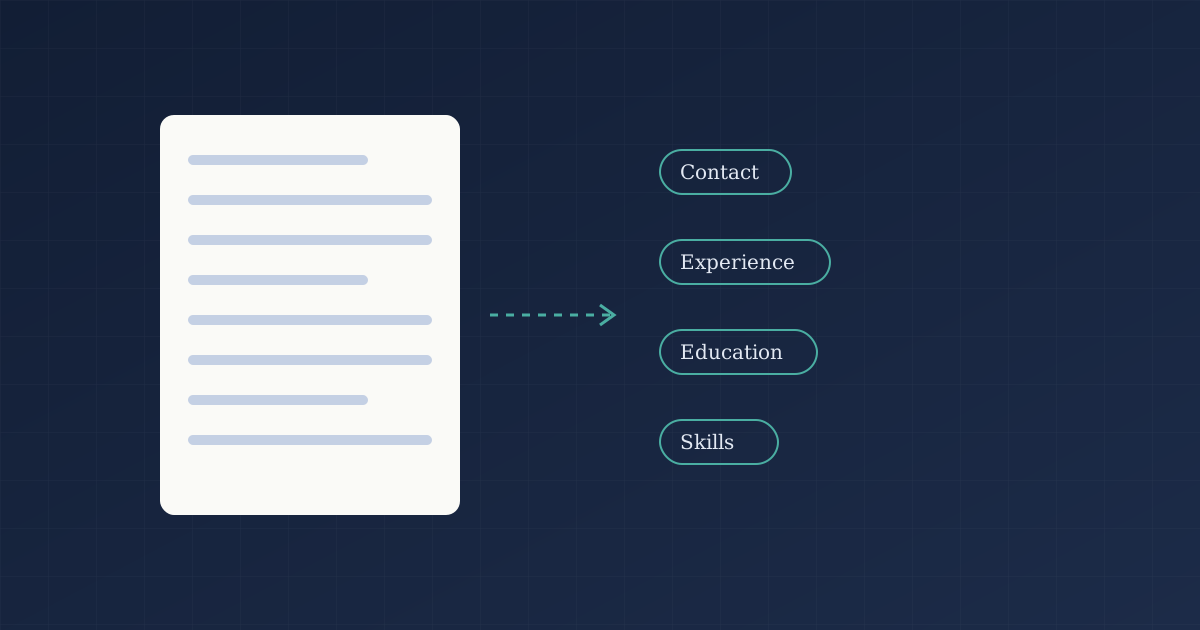
An applicant tracking system (ATS) is the software many employers use to collect applications, move candidates through hiring stages, and search their talent pool. Understanding what it does with your file removes most of the mystery around “getting past the ATS.”
Step one: parsing
When you upload a resume, the ATS tries to convert it into structured fields — name, contact details, job titles, employers, dates, education, and skills. This is called parsing. If parsing goes well, a recruiter sees a clean profile. If it goes badly, your job titles can end up in the wrong field or disappear.
Parsing is most reliable when the document is simple:
- Use standard section headings such as “Experience,” “Education,” and “Skills.”
- Keep contact details in the main body, not in a header or footer.
- Avoid text inside images, text boxes, or complex multi-column tables.
- Write dates in a consistent format, for example “Mar 2022 – Present.”
Step two: searching and filtering
Recruiters rarely read every application in order. They often search the database for skills, titles, or certifications, and may apply knockout questions such as work authorization or location. That is why the specific language in a job posting matters: if the posting says “stakeholder management” and your resume only says “worked with partners,” a search may not connect the two.
Mirror the employer’s terminology where it truthfully describes your experience. Don’t add skills you don’t have — interviews will surface the gap quickly.
Step three: a human decides
An ATS organizes and surfaces candidates; in most hiring processes a person still makes the call. So a resume that is keyword-aligned but hard to read will still struggle. Aim for both: structured for the parser, persuasive for the reader.
A practical checklist
- Save as DOCX or a text-based PDF (not a scanned image).
- Use one column for the main content.
- Put the most relevant skills in a dedicated Skills section and in context within your bullets.
- Tailor your summary and top bullets to each role.
If you want a quick read on how your resume lines up with a specific job, run it through our free ATS Resume Checker. For a deeper rewrite, see how AI optimization works or read our guide to quantifying your achievements.
Editorial standards: Articles are drafted with AI assistance and edited, fact-checked, and approved by our editorial team. We don’t publish unverified statistics or testimonials.
Keep reading
All articles
How to Quantify Achievements on Your Resume (Even Without Sales Numbers)
Practical ways to add scale, frequency, and outcomes to resume bullet points when your role doesn't come with obvious revenue metrics.
Oct 21, 2026

Tailoring Your Resume to a Job Description in 20 Minutes
A repeatable, time-boxed process to adapt one strong master resume to each application without starting from scratch.
Oct 14, 2026

Writing a Resume for a Career Change
How to reposition transferable skills, choose the right resume structure, and explain your move clearly when changing fields.
Oct 7, 2026